

Tools
Standalone helper tools.
| Tool | What it does |
|---|---|
| Create Thumbnails | Generates still PNG frames from videos and images. |
| Create Previews | Generates an H.264 preview of a video. |
| Create Disguise Proxies | Generates lower-resolution HAP Alpha proxies of .mov files. |
| Export PDF | Turns a folder of thumbnails into a delivered content manifest. |
| Archive Old Versions | Moves superseded versions out of a folder. |
Running a tool
Section titled “Running a tool”The bar across the top of the page switches between tools. Each tool has an Options section holding its settings, and Run becomes available once the required fields are populated.
Different tools can run side by side, and a run keeps going when you move to another page. The Tools item in the sidebar shows a badge while any tool is running.
History
Section titled “History”The History section lists the tool’s runs, newest first. A run in progress sits at the top as Running…, with how far through it is as a percentage and a count, such as 12 / 40 files. Each finished run shows when it finished, a summary such as 12 created · 3 skipped, and an icon for how it ended:
- A check mark: the run finished.
- An X: the run failed.
- A circle with a line through it: the run was cancelled.
Run details
Section titled “Run details”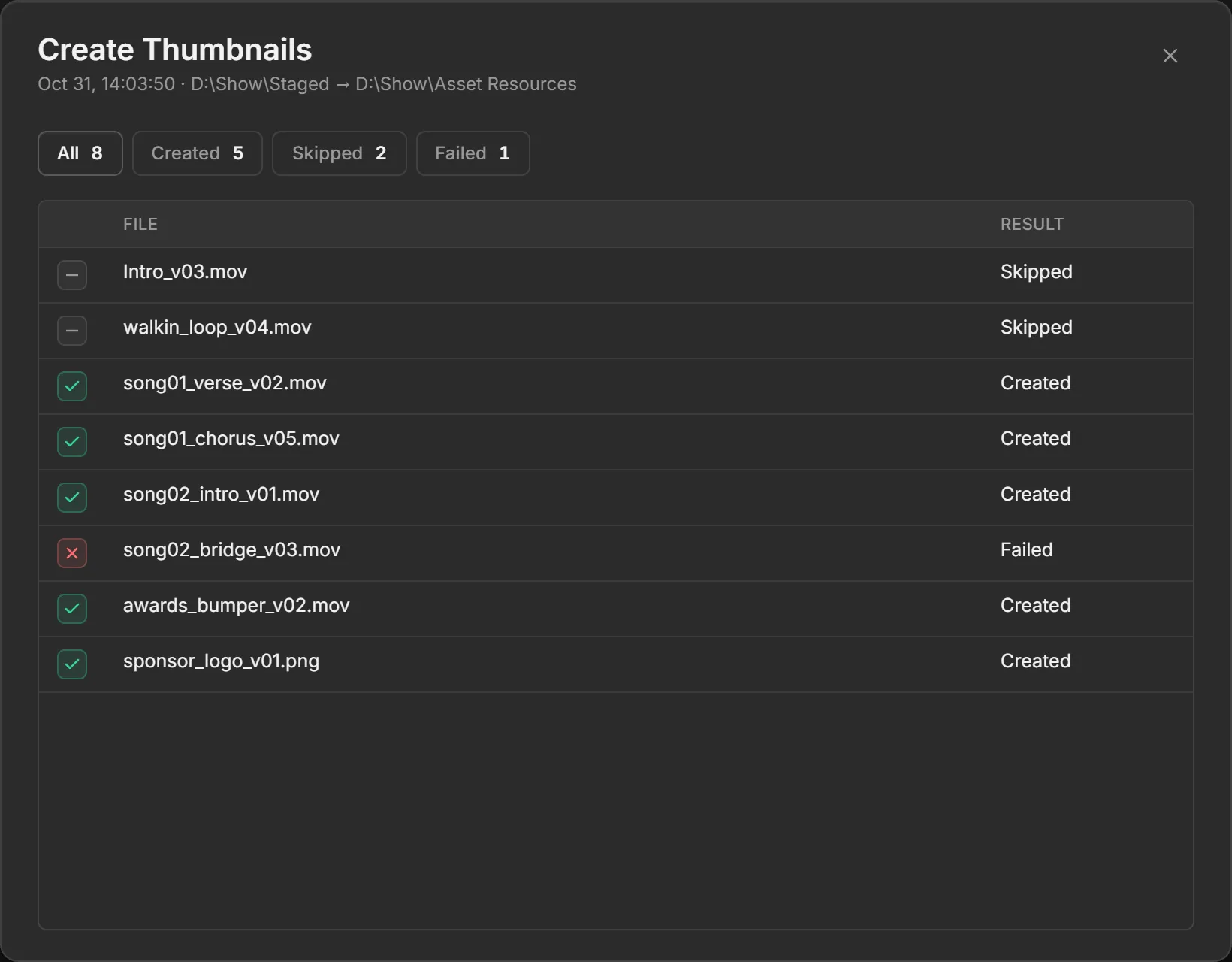
Selecting a finished run opens its details: when it finished, the folders it ran from and to, and every file processed, with its result.